

2041Claas 740
Hour meter, set at 4.2 gal per hour
58.9 gal÷4.2=+14 hours

Maintenance Software
Bring service schedules, equipment records, and work tasks together in one practical system your crew can use.
Manage from your phone or browser
Color-coded maintenance intervals make it simple to see what services are OK, upcoming, due, and overdue across your operation.

Estimated meters
Meter readings are easy to forget. Stewart Tech can estimate them from the fuel each machine uses.
Enter a miles-per-gallon or gallons-per-hour rate for a machine once. From then on, every fueling at a Stewart Tech station adds estimated miles or hours to that machine.
2041Claas 740
Hour meter, set at 4.2 gal per hour
58.9 gal÷4.2=+14 hours
3087Chevrolet Silverado
Odometer, set at 14.6 miles per gallon
21.4 gal×14.6=+312 miles

Maintenance tasks
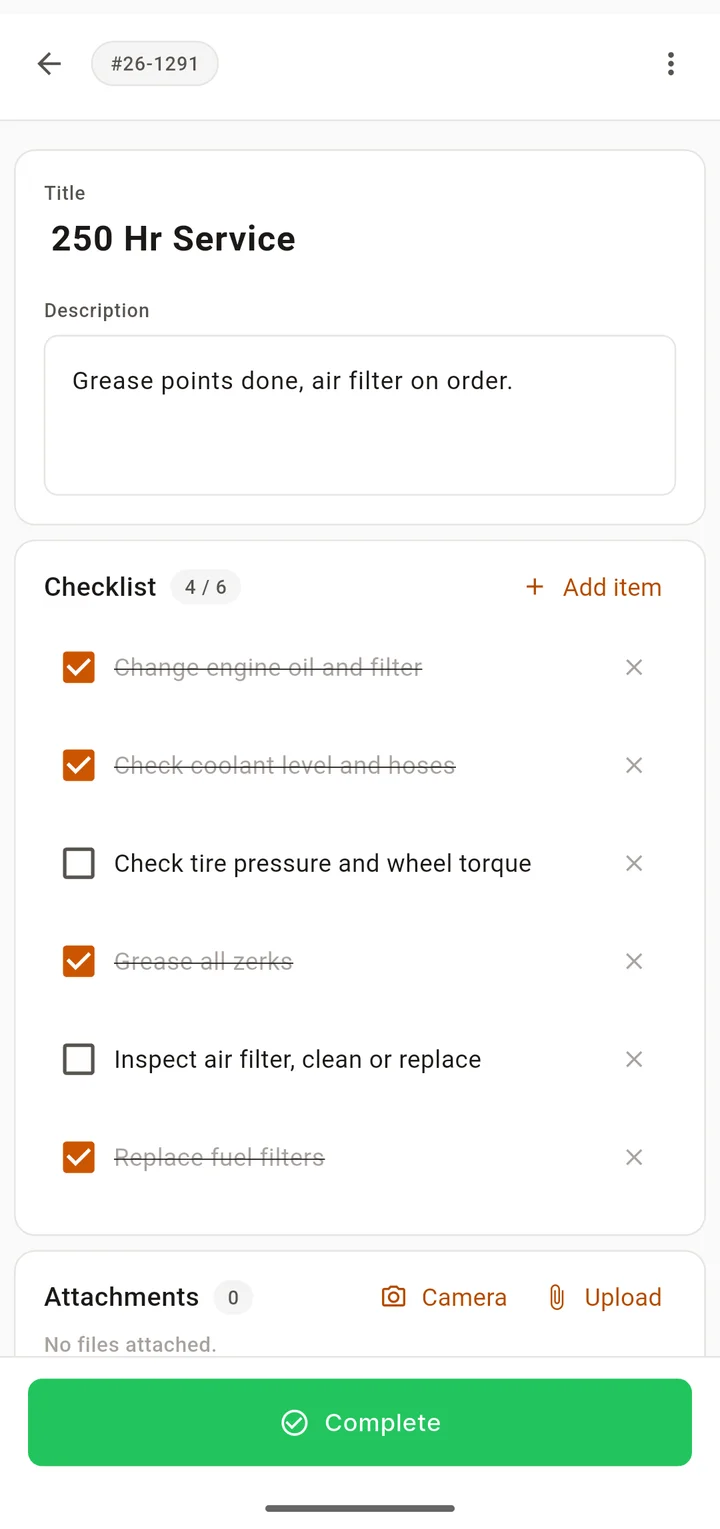
Assign a task to your team and they get notified of the job, with a checklist, photos, and comments in one place.
Also get notified when an interval comes due and again when the job is done. Parts, hours, and cost stay with the machine.
When fuel use is connected to equipment records, you have a clearer picture of how each machine is being used and maintained.
Oil, filters, grease, and inspections, each with its own schedule and history.
Keep key details, documents, and service history with each machine.
Track the parts, hours, and cost of the work done on every machine.
See every fueling from a Stewart Tech station alongside the machine's maintenance.
Frequently asked questions
No. Give a machine a miles-per-gallon or gallons-per-hour rate, and every fueling at a Stewart Tech station is turned into estimated miles or hours on that machine. You can still enter readings, and the app shows which numbers were entered and which were estimated.
Yes. Intervals can count engine hours, miles, or months. A machine with no meter at all runs on months and counts down in days.
Yes. The iPhone and Android apps and the web app all share the same records. A task assigned in the office shows up on the phone of the person doing the work.